Favourite Photo of the Month, 2024
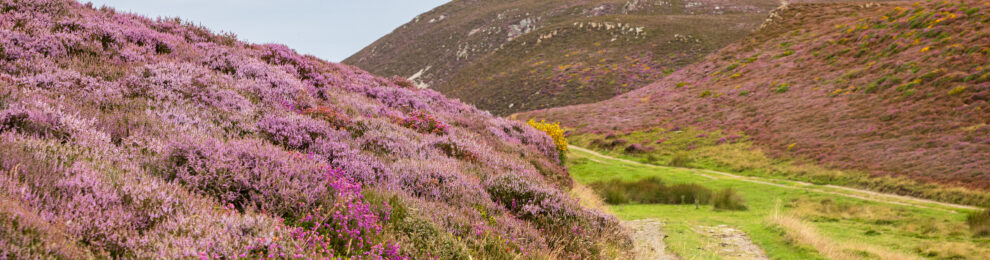
It’s been, again, a bit of a strange year. I tried to make it a decent one, with some modest plans for improving my life a bit, and that’s worked out in a few
Favourite Photo of the Month, 2023
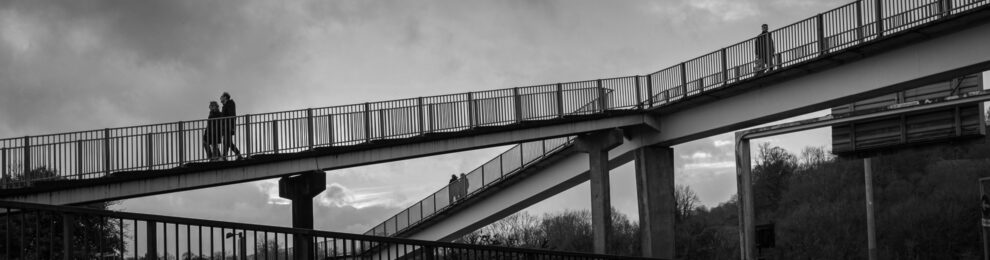
2023 has been a bit of a strange year. The recent months haven’t been much fun, and I’ve done very little photography. For October, in fact, I only had one photo uploaded to Flickr to choose from, though after digging through the few other snaps I’d taken that were sitting in my Lightroom catalogue I […]
Making an Infrared Remote Interface for the Pioneer PD-Z83M
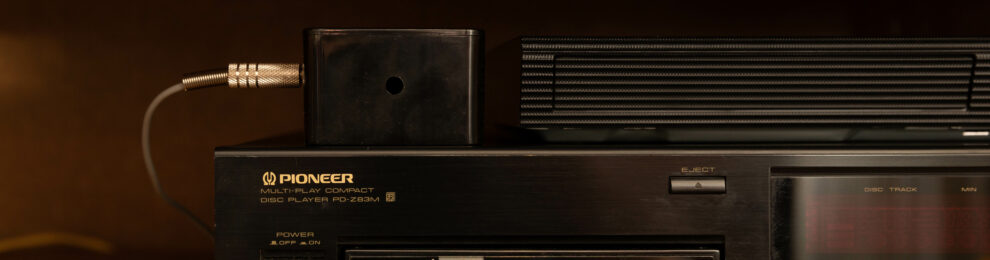
I made a little black box over the Bank Holiday break. I’ve had a Pioneer PD-Z83M multi-changer CD player since I was a kid, and it was how I listened to a lot of the music of my formative years. I remember listening to Fields of the Nephilim’s sprawling masterpiece Elizium on it at university, […]
Favourite Photo of the Month 2022
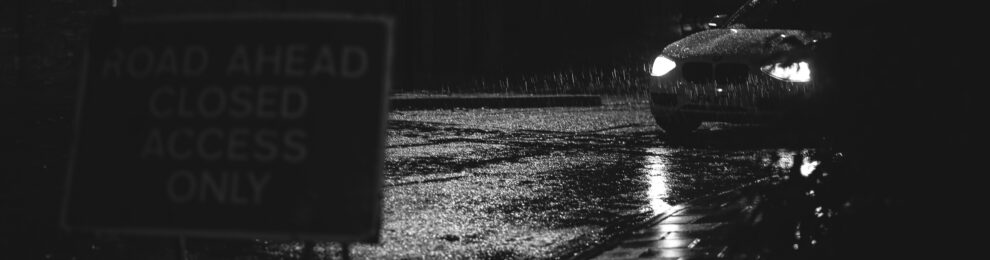
Well, it looks like I’ve been posting my annual favourite photos post every year since 2012 now. That’s a surprising amount of consistency for me. My photography has been very much on the back-burner this year. Well, that would imply there’s been a front-burner, which would be a lie. But I did at least manage to […]
Digitising An Exhibition
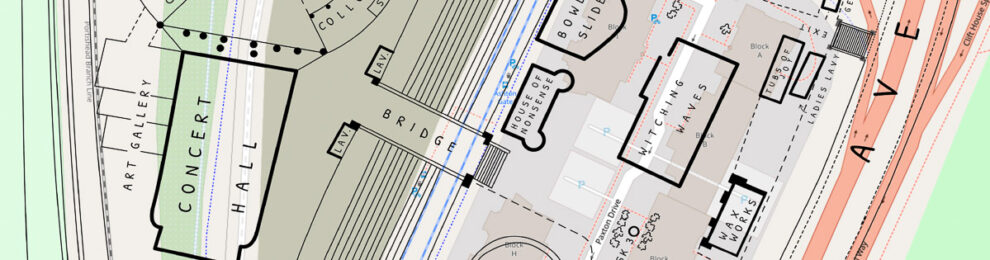
Since bumping into it during my little One Mile Matt project, I’ve been fascinated by the Bristol International Exhibition of 1914. This was a grand but short-lived exhibition that took over a vast area of Bristol very near me, just south of the river in the Ashton/Rownham area, partly where the modern-day White City Allotments […]